Main Content
Using an App Token with Proton Authenticator
Step 1: Download Software & App
Available for desktop (Win/Mac/Linux) and smartphone: Download Page
Step 2: Capture QR Code / Key
Option A: Self-Service
- Log into the Initial Portal or the 2FA Portal.
- Select "App-Token erstellen" (Create App Token) and scan the QR code.
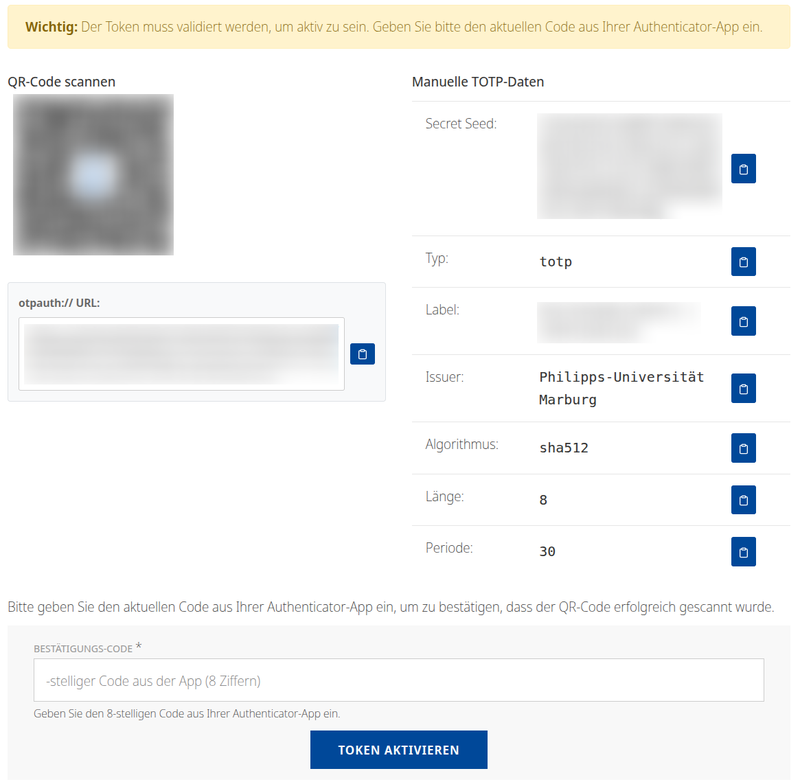
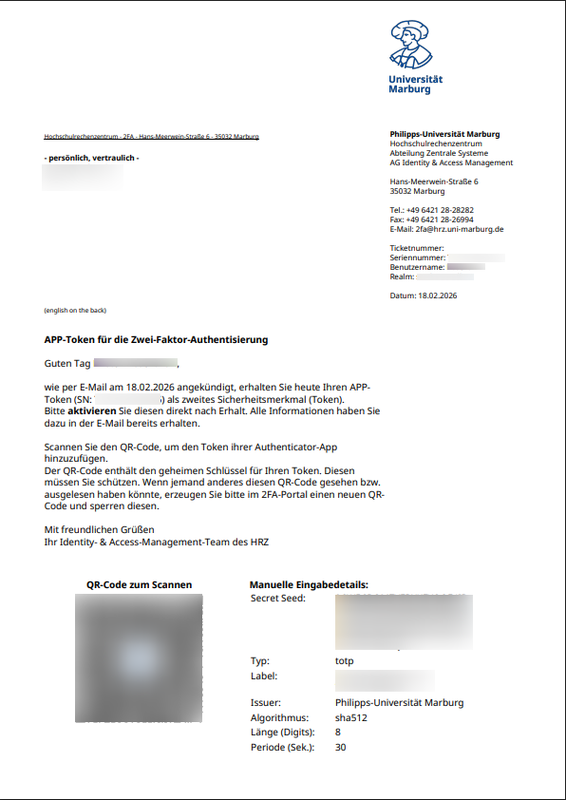
Option B: Activation Letter
- Have your activation letter ready.
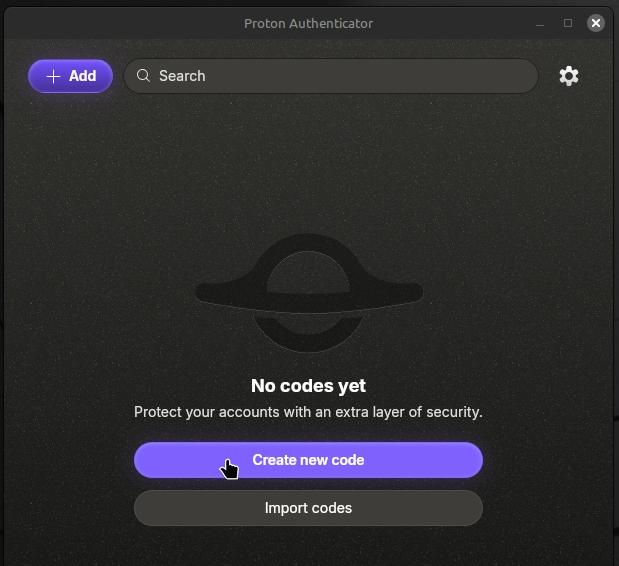
- Scan the QR code or enter the key manually in the app.
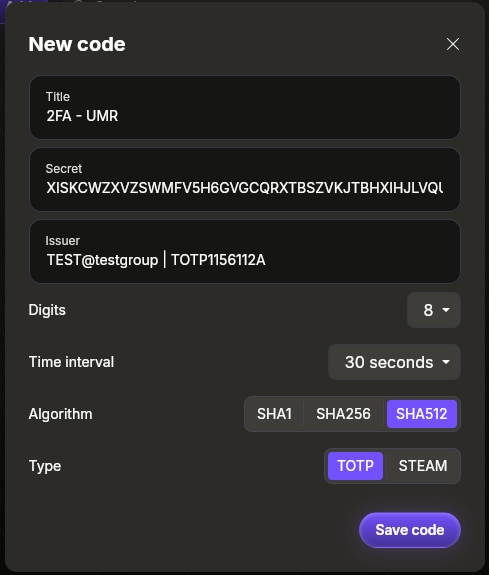
Step 3: App Configuration
⚠️ IMPORTANT: Open "Advanced" settings in the app and set it to SHA-512 and 8 digits!
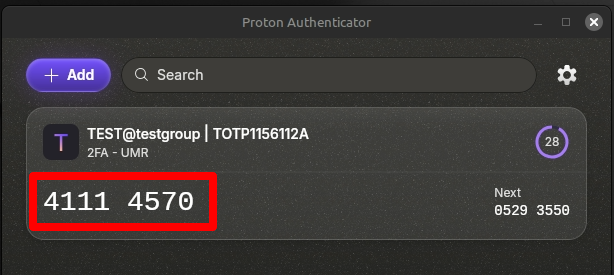
Step 4: Activation
For Option A (Self-Service):
Enter the generated one-time password (TAN) directly into the portal to confirm.
For Option B (Mail):
Complete the setup process here:
To Token Activation