02.02.2026 Neu für Studierende: Zwei-Faktor-Authentifizierung (2FA) für Marvin- und ILIAS-Login // New for students: Two-factor authentication for Marvin and ILIAS login
Ab 01.03.2026 ist der zweite Faktor für die Anmeldung in Marvin und ILIAS notwendig. Sie geben den zweiten Faktor in einem weiteren Schritt nach Benutzernamen und Passwort ein. // From March 1, 2026, a second factor will be required for logging into Marvin and ILIAS. You will enter the second factor in a further step after your username and password.
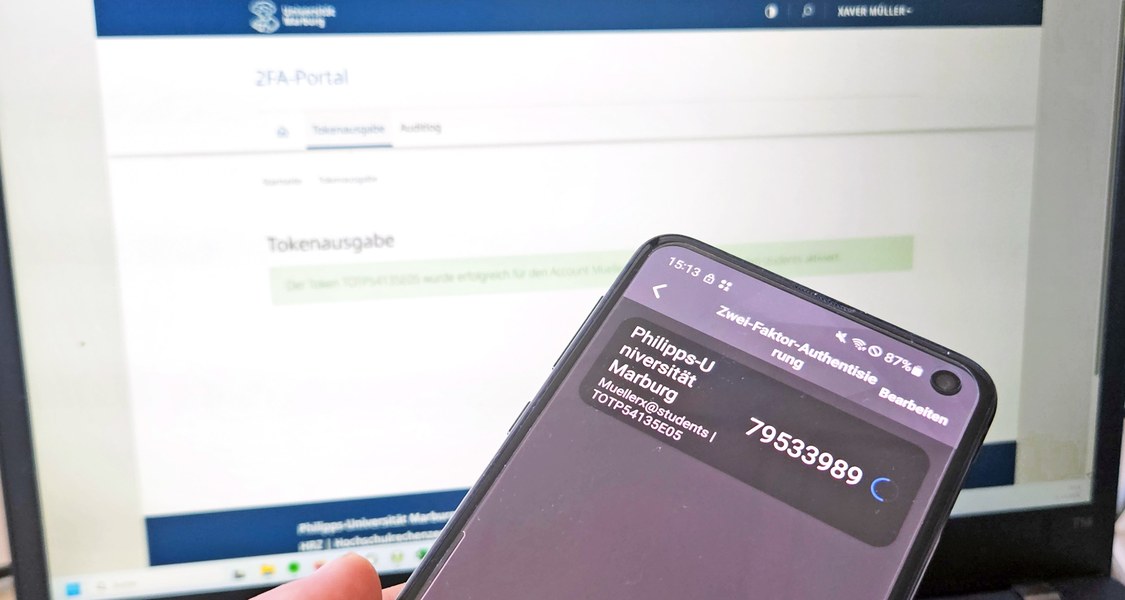
Bisher ist die 2FA-Nutzung vor allem bei der Prüfungsanmeldung in Marvin mit TAN-Token (Papierlisten) bekannt. Die Papierlisten können zwar für eine kurze Übergangszeit auch für die Anmeldung in ILIAS und Marvin genutzt werden, sind aber sperrig in der Handhabung und die Anzahl der Einmalpassworte auf dem Brief wird sehr schnell aufgebraucht sein. Im Laufe des Jahres werden die Papierlisten ganz eingestellt.
Steigen Sie daher bitte zeitnah auf ein APP-Token um, am besten nutzen Sie dazu das 2FA-Modul in der Uni Marburg-App im Bereich „Mein Studium“. Ein App-Token können Sie sich ganz bequem im 2FA-Portal erstellen, siehe Video "Neue oder weitere App-Token ausrollen".
Hier gibt es die Anleitungen für
📹 Als Video: Neue oder weitere App-Token ausrollen, z. B. bei Wechsel von TAN-Token (Papierliste) (YouTube 5:54min)
📹 Als Video: Einrichtung des 2FA-Moduls in der Uni Marburg-App (YouTube 5:11min)
📱 In Bildern: Einrichtung des 2FA-Moduls in der Uni Marburg-App
Weitere Informationen und Links gibt es im 2FA-Portal: https://2fa.uni-marburg.de/
Wir bitten um Ihr Verständnis bei der Umsetzung dieser wichtigen Sicherheitsmaßnahme, um auch weiterhin eine stabile und nachhaltige IT-Infastruktur anbieten zu können.
Bei Fragen wenden Sie sich bitte an den IT-Servicedesk, Kontaktdaten, siehe unten.
Englisch version
So far, two-factor authentication (2FA) is primarily known for exam registration in Marvin using TAN tokens (paper lists). While these paper lists can be used for registration in ILIAS and Marvin for a short transition period, they are cumbersome to use, and the number of one-time passwords on the letter will be used up very quickly. The paper lists will be completely discontinued later this year.
Therefore, please switch to an app token as soon as possible. The best way to do this is via the 2FA module in the University of Marburg app under "My Studies". You can easily create an app token in the 2FA portal, watch the video "Roll out new or additional app tokens".
Here you can find the instructions for
📹 als video: Roll out new or additional app tokens, e.g., when changing TAN tokens (paper list) (GER YouTube 5:54min)
📹 As video: Setting up the 2FA module in the Uni Marburg-App (GER, YouTube 5:11min)
📱 In pictures: Setting up the 2FA module in the Uni Marburg-App (GER)
Further information and links can be found on the 2FA portal: https://2fa.uni-marburg.de/
We ask for your understanding regarding the implementation of this important security measure, which will allow us to continue providing a stable and sustainable IT infrastructure.
If you have any questions, please contact the IT Service Desk. Contact details are below.