Main Content
iOS / iPadOS (Remove manual profile)
Removal of previous configuration
If eduroam access was previously set up using a manual configuration profile, you must first manually remove that profile before making any changes to the settings.
1. Open the settings (gears icon).
2. Now check under General → VPN and Device Management whether there is a configuration profile with the name eduroam.
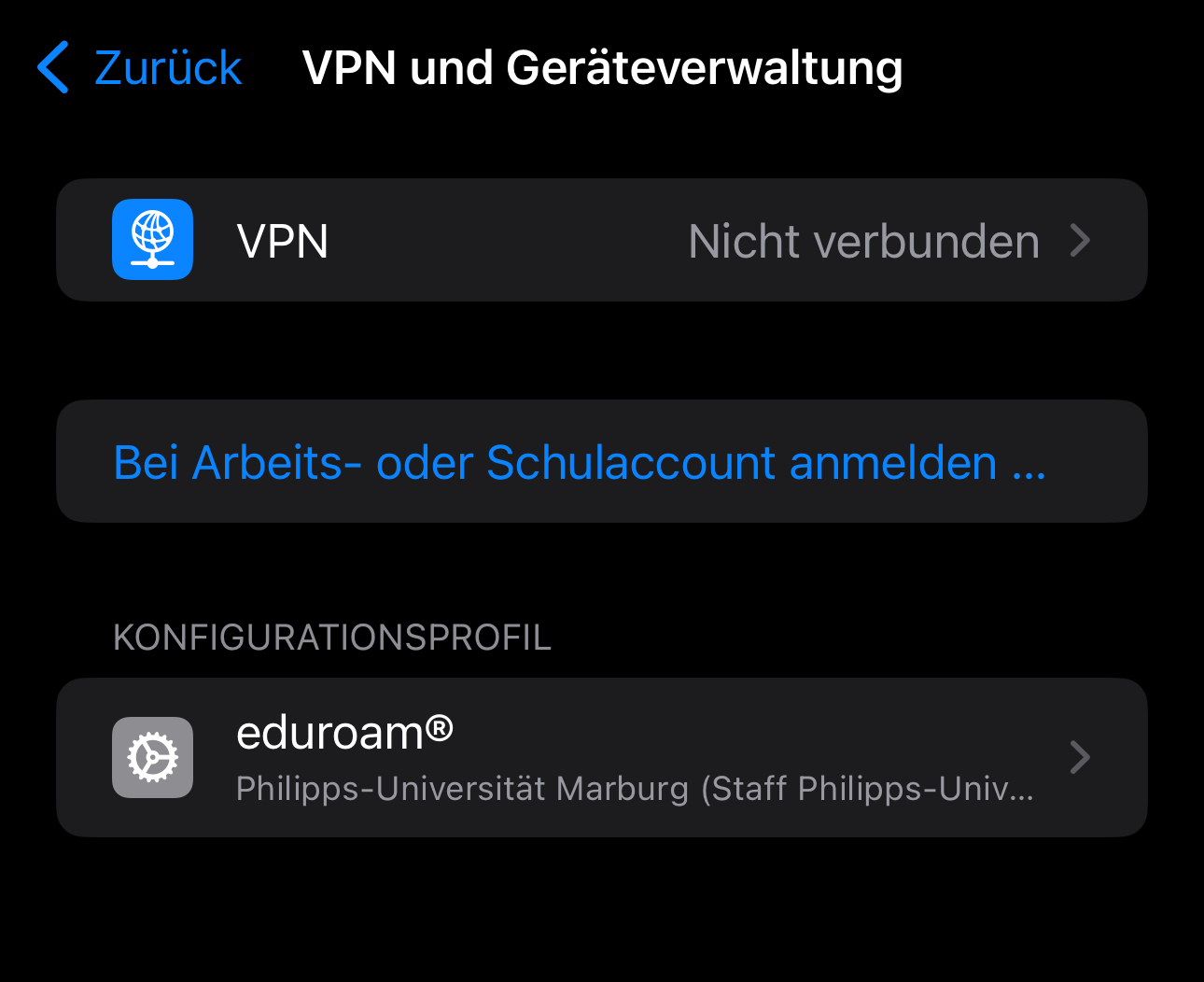
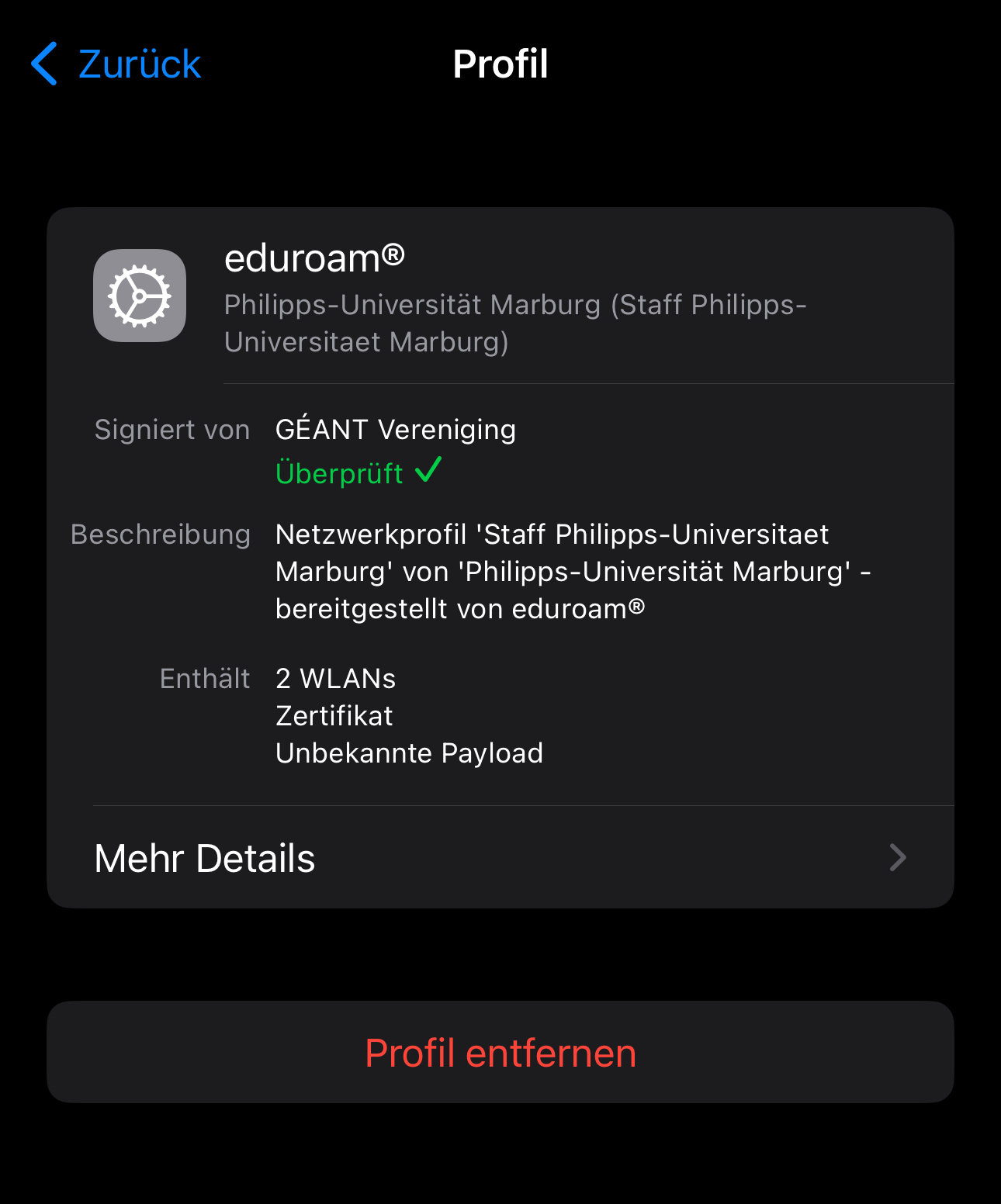
3. If so, open the configuration profile for eduroam and remove it.
4. Now open the WiFi settings under Settings → WiFi.
5. Tap on "Edit" at the top right of the list and check whether eduroam has been removed.
6. As soon as your device no longer connects to eduroam, you can continue with the new setup.
As of: 2026-08
OS: iOS 26