Main Content
Calendars for Outlook Classic
This document describes how to configure Outlook Classic to access webmail calendar data.
However, we recommend Thunderbird and can only provide very limited support for Outlook.
If you want to access your webmail calendars with Outlook (i.e., not via the webmail interface), a CalDAV interface is available, which you can integrate using the "CalDAV Synchronizer" plugin.

"CalDAV Synchronizer" plugin section in the Outlook Classic menu
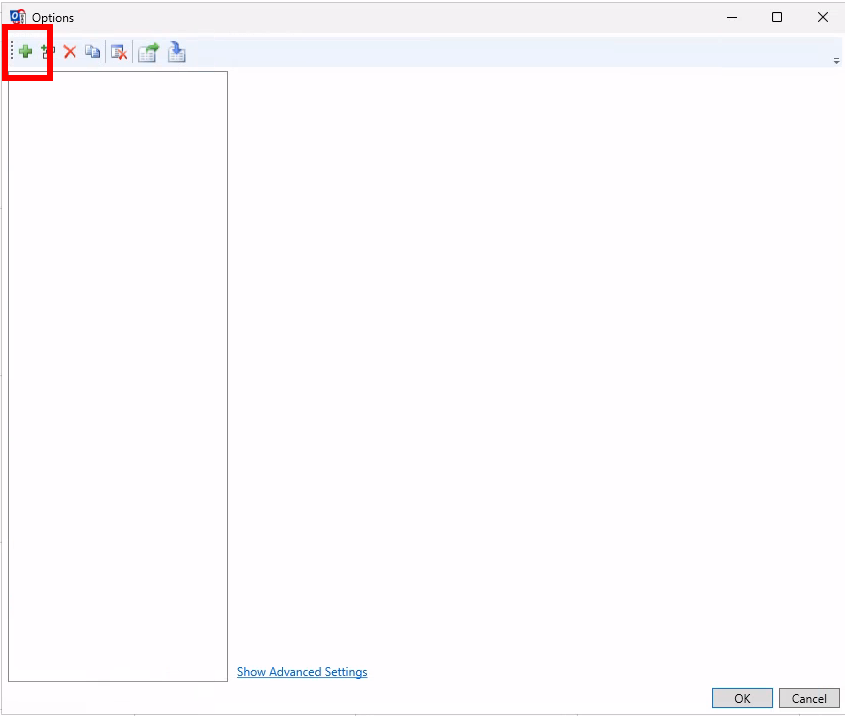
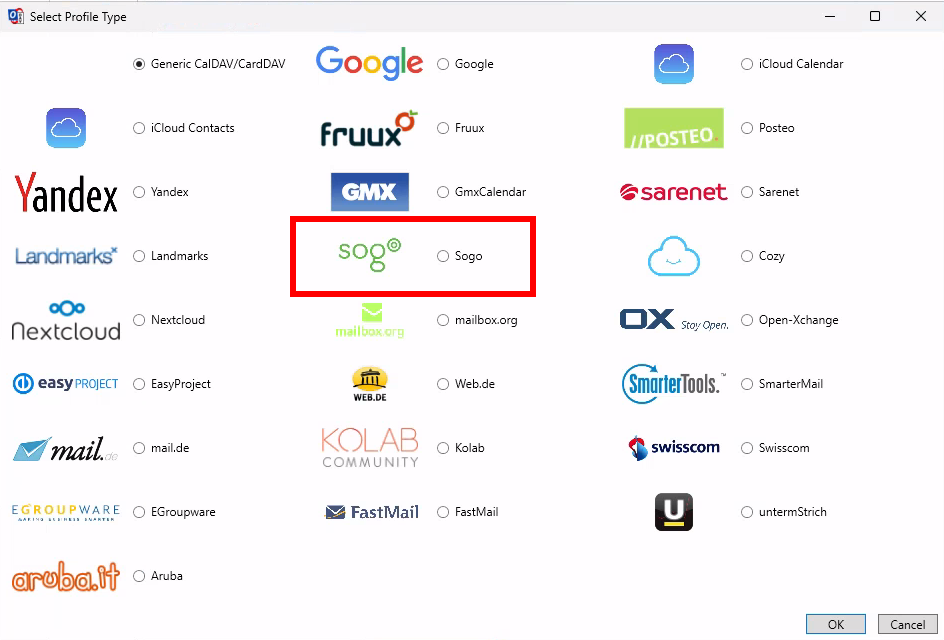
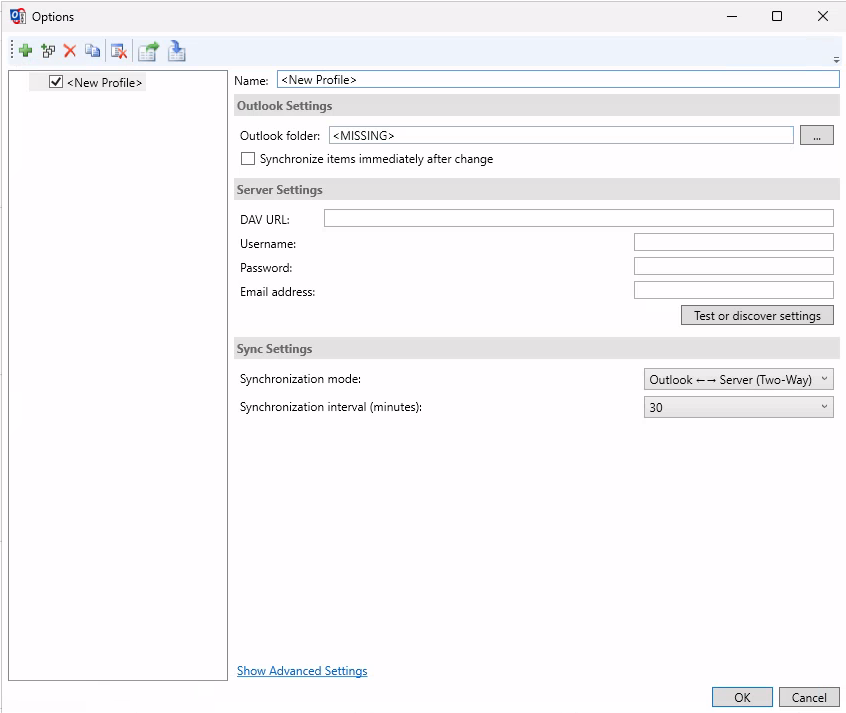
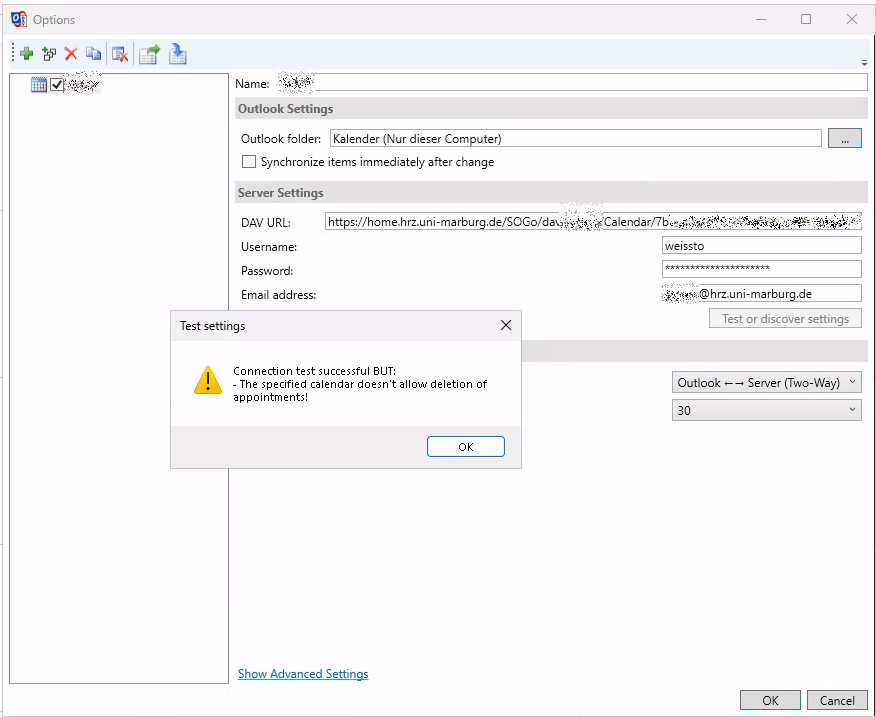
"CalDAV Synchronizer" plugin settings
You find the corresponding URLs in the settings of the respective Webmailer calendar under "Links to this calendar".
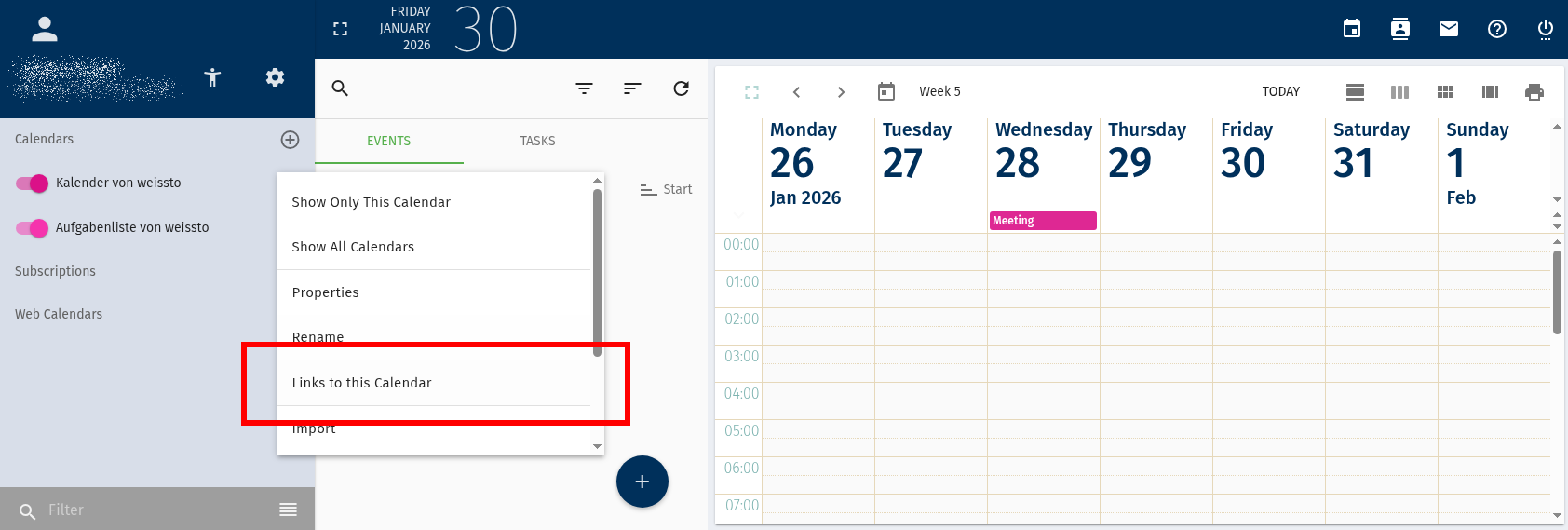
Webmail "Links to this calendar" button in the context menu (the three buttons next to the calendar)
Das CalDAV Synchronizer Add-In lässt sich im Benutzerkontext deaktivieren:
Datei -> Optionen -> Add-Ins -> Verwalten [COM-Add-Ins] Los... -> Haken bei CalDAV-Synchronizer entfernen -> OK