Main Content
Manual for macOS
This description refers to external programs on your PC. For instructions on integrating calendars into mobile devices, see:
Integrating a Webmail Calendar via Profile
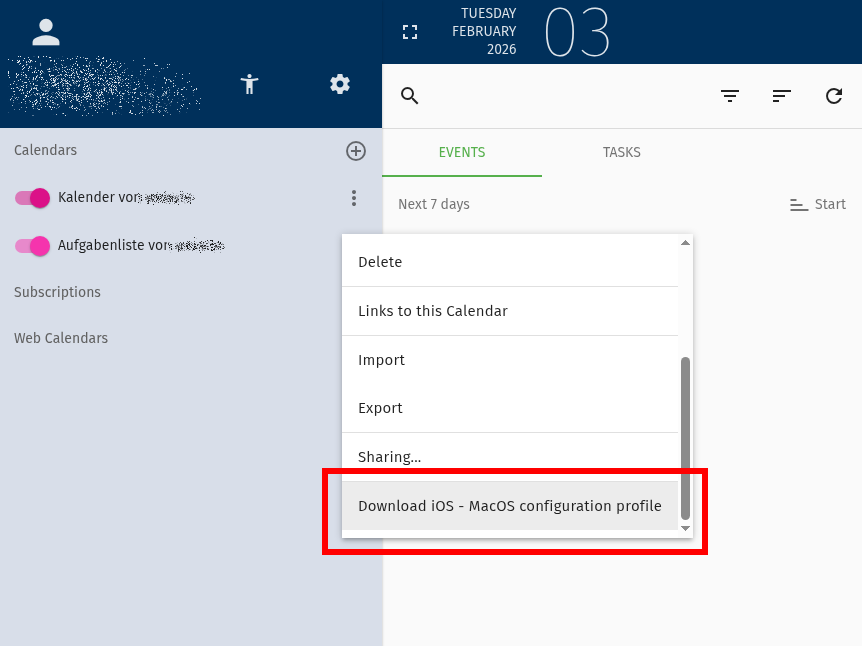
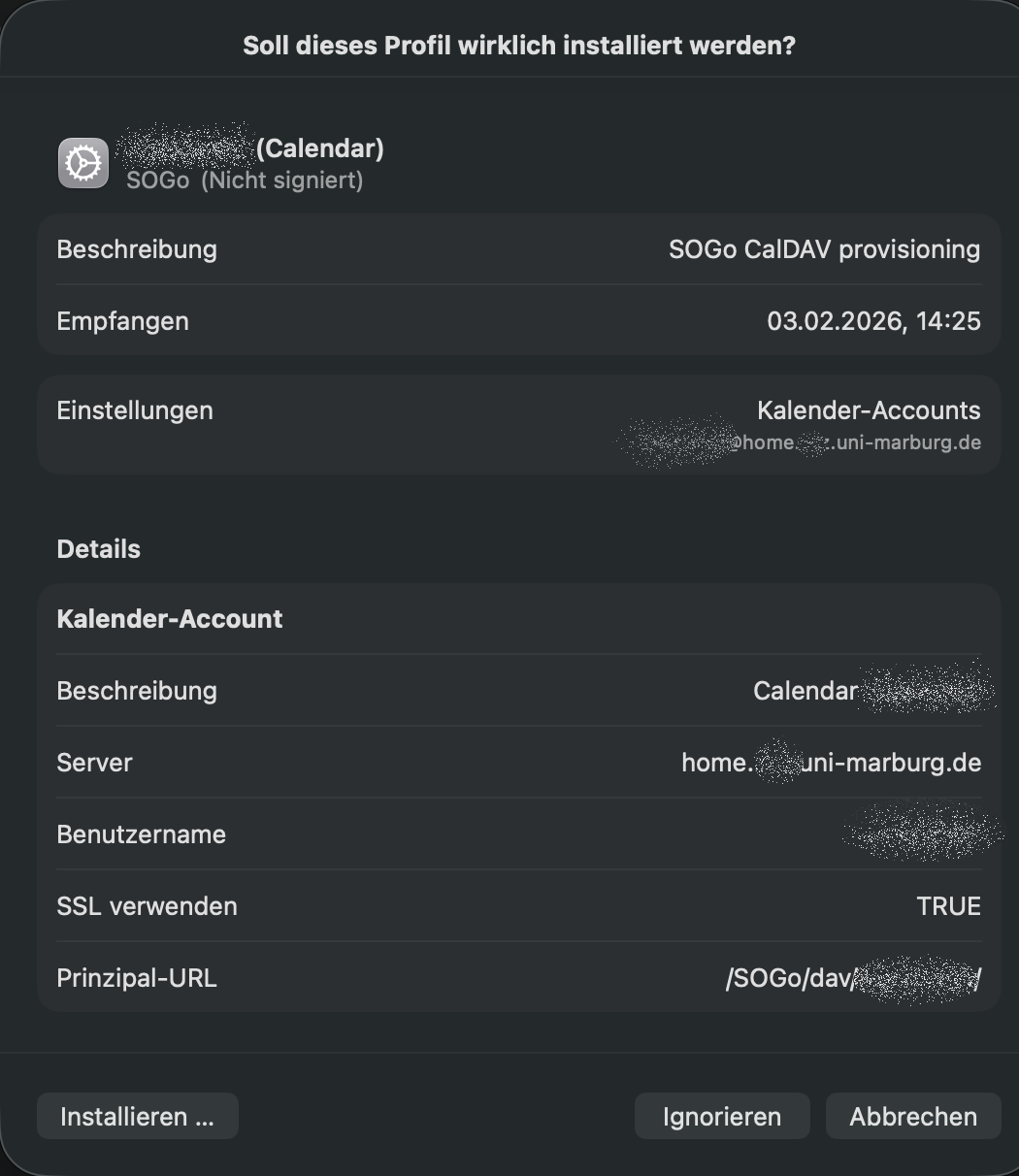
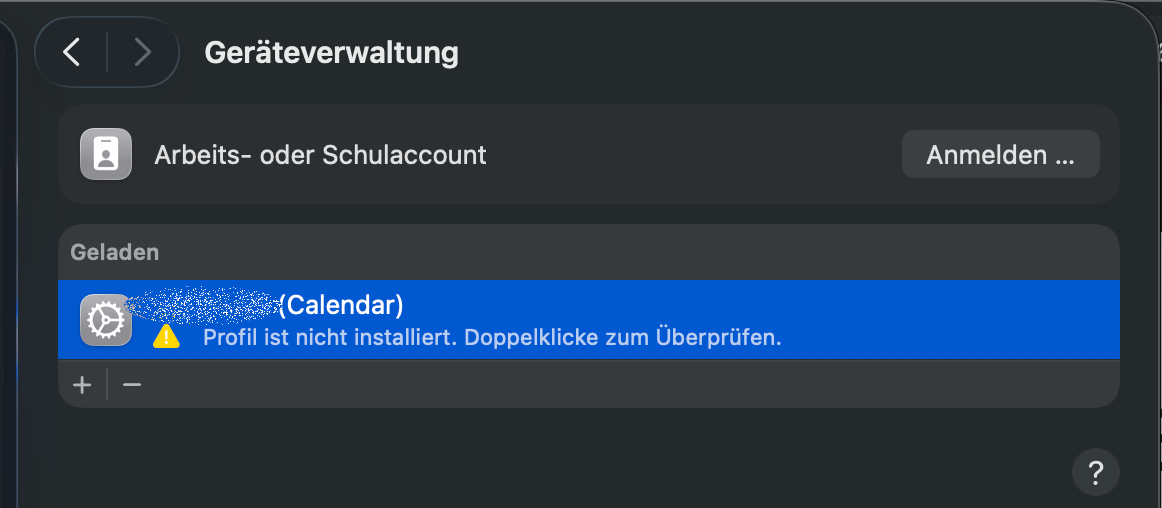
Manually Integrating a Webmail Calendar
After opening the "Calendar" application, click on the menu item "Calendar" >> "Add Account" to open the selection window for a new account. Select "Other CalDAV Account" and click "Continue".

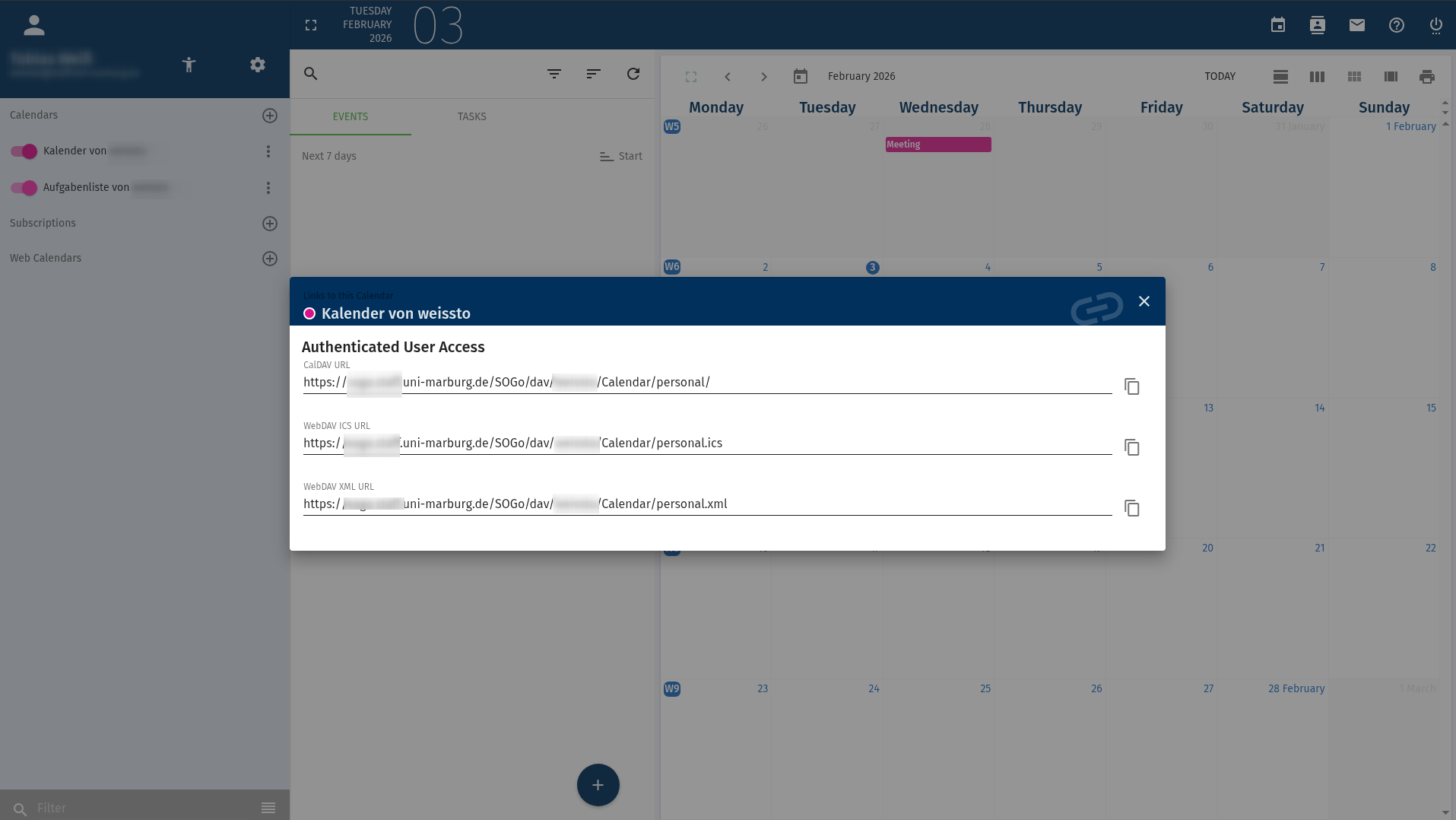
Now enter your account details. The server path must be the end of the path labeled "CalDAV account address" in webmail (without "https://home.students.uni-marburg.de"), which can be found in webmail by clicking the three dots next to the respective calendar under "Links to this calendar".
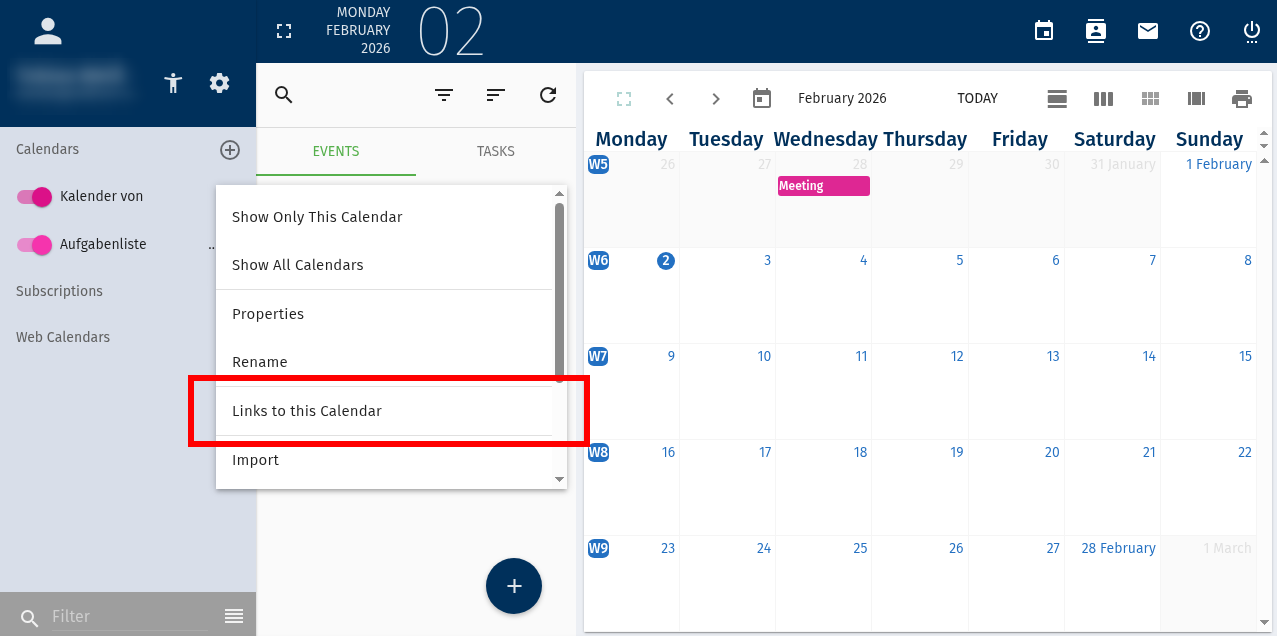

Clicking "Log in" will establish calendar access. If multiple calendars exist in webmail, they will be listed individually in the calendar application and can be shown or hidden separately.