Main Content
Client Management with opsi (Open - PC Server Integration)
The HRZ's client management (opsi) system makes it easier for departments and institutions to administer and maintain their mobile computers and workstations on site. opsi takes care of installing operating systems, antivirus programs, and various other software, including updates. This ensures that every workstation computer is always up to date and protected against threats posed by vulnerabilities. Client Management also takes care of the entire computer inventory process. opsi makes it easy to manage workstation computers securely and efficiently.
Opsi advantages at a glance:
- Workstations managed with opsi always receive the appropriate software, including updates.
- The computers receive security updates for the respective software and operating system quickly and regularly.
- Software kiosk with numerous programs and tools that you can install yourself.
Everyday Use
To ensure that you receive (security-related) software updates promptly, mobile workstations should be used regularly within the university network. The following connection options are available:
- VPN using "Cisco Secure Client"
- Wi-Fi of the university
- Wired network access in the office
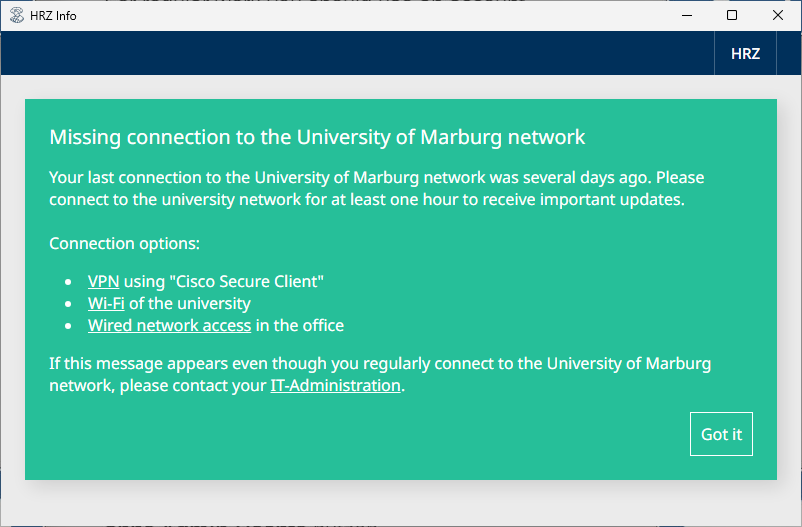
If no connection to the university network has been established for a certain period of time, you will be reminded by the following window.
Contact your IT administration to use opsi on your work PC or laptop!