Main Content
Calendar
General Information
Webmail offers calendar functions for appointment and task management. Personal calendars can be integrated into local programs, e.g. on mobile devices, and shared with other people.
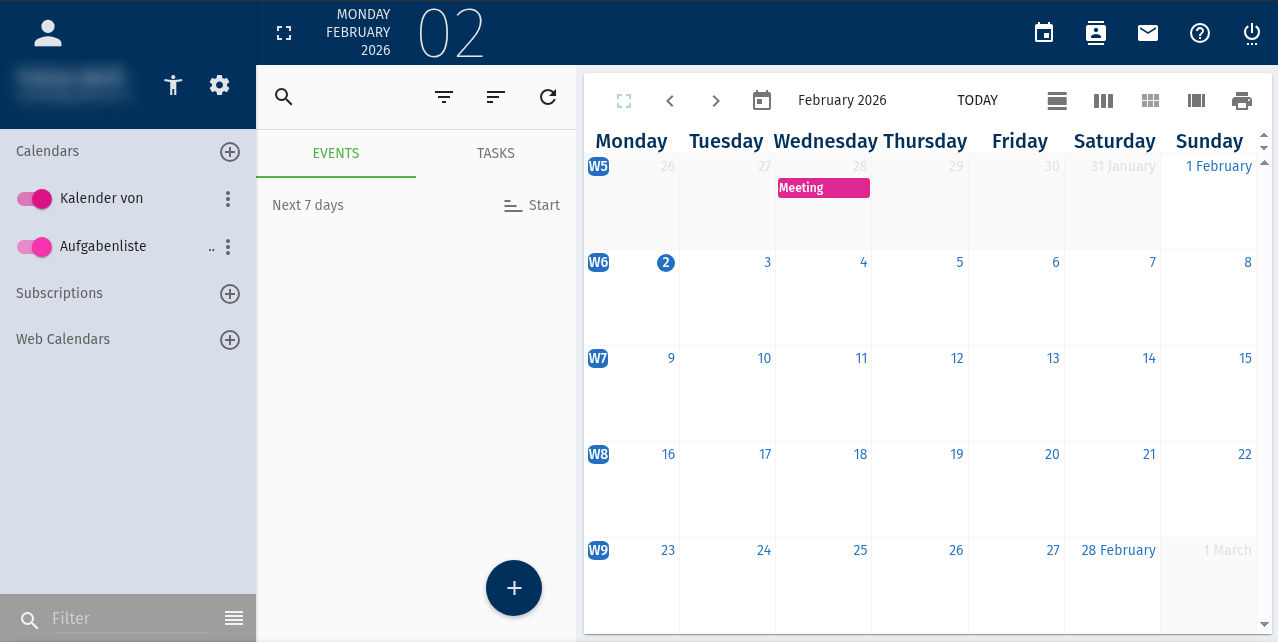
Your calendars are listed in the left column; you can activate or deactivate them using the button. You can also manage your calendars here. The middle column displays a list view of upcoming appointments. The calendar view is shown on the right. You can switch between calendar views (day, week, month) using the buttons, and you can also navigate between days, weeks, and months on the left side of the view. To zoom in or out, click the leftmost icon in the calendar view. You can print the calendar using the print icon on the far right.
Calendar settings
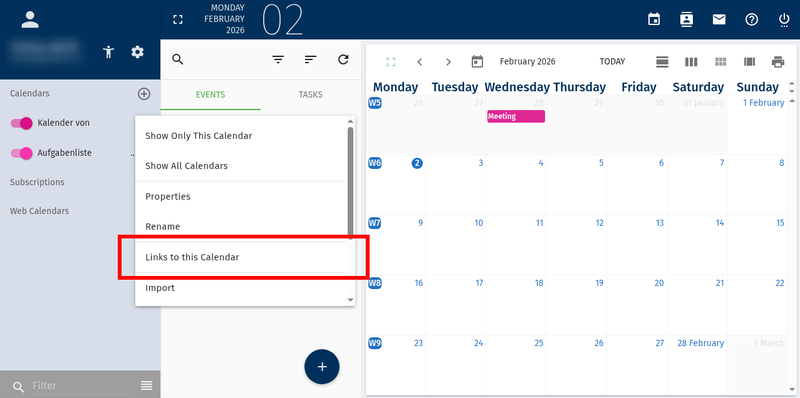
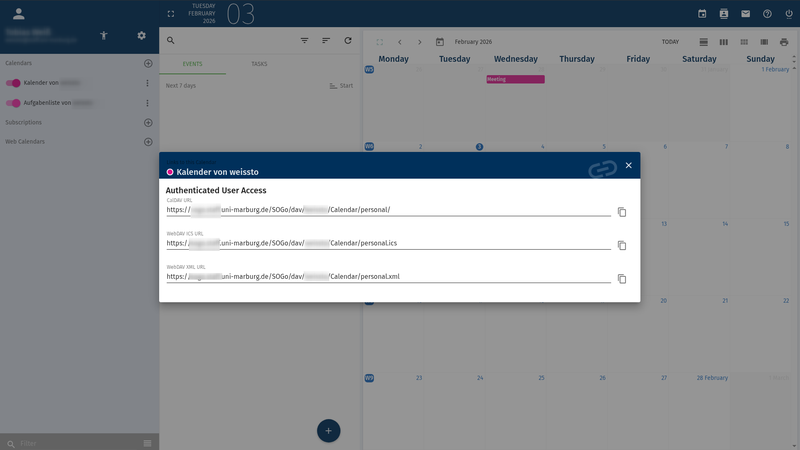
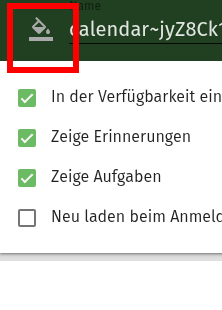
Clicking the three dots next to a calendar opens the context menu. There you can change the calendar settings, share the calendar with other users and view the (CalDAV) links to that calendar.
Target group
Students, employees
Requirements
Central user account (Uni-Account) with email authorization
Support and Help
You can reach the email team at email@hrz.uni-marburg.de.
Please include a meaningful topic in the subject line of your request.Related Services