Main Content
Instructions for Android
The following describes how to set up K-9 Mail. K-9 Mail is an open-source, privacy-focused email client for Android, developed since October 2008. The app is licensed under Apache License 2.0 and is available for free from the Google Play Store, F-Droid, and the official website k9mail.app.
- Open the K-9 Mail app.
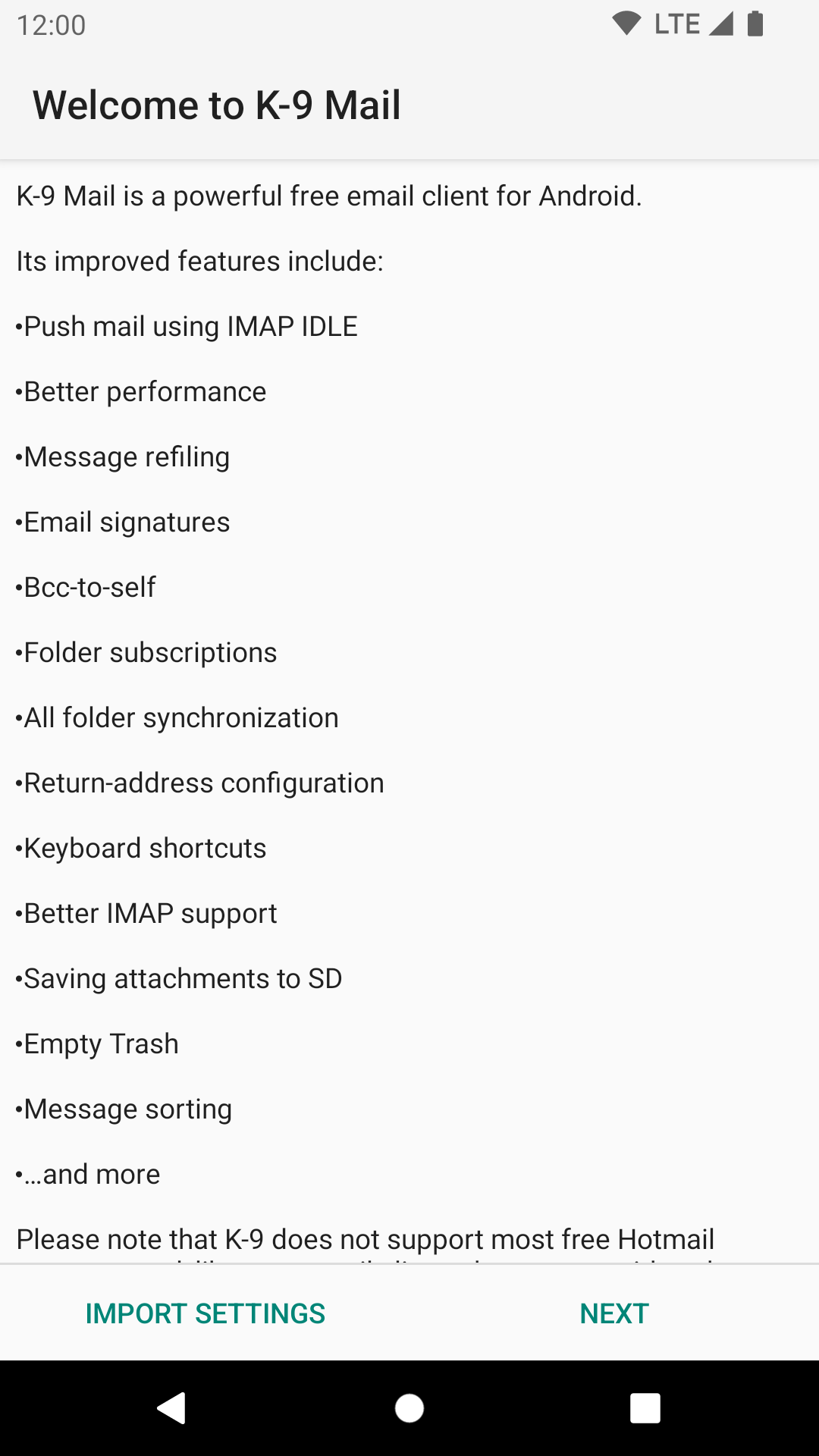
- If you don't already have an account set up, the Welcome to K-9 Mail screen appears.
- Tap on Next to go to the next page. Otherwise, open the app's menu, scroll down to Settings, and then tap Add Account.
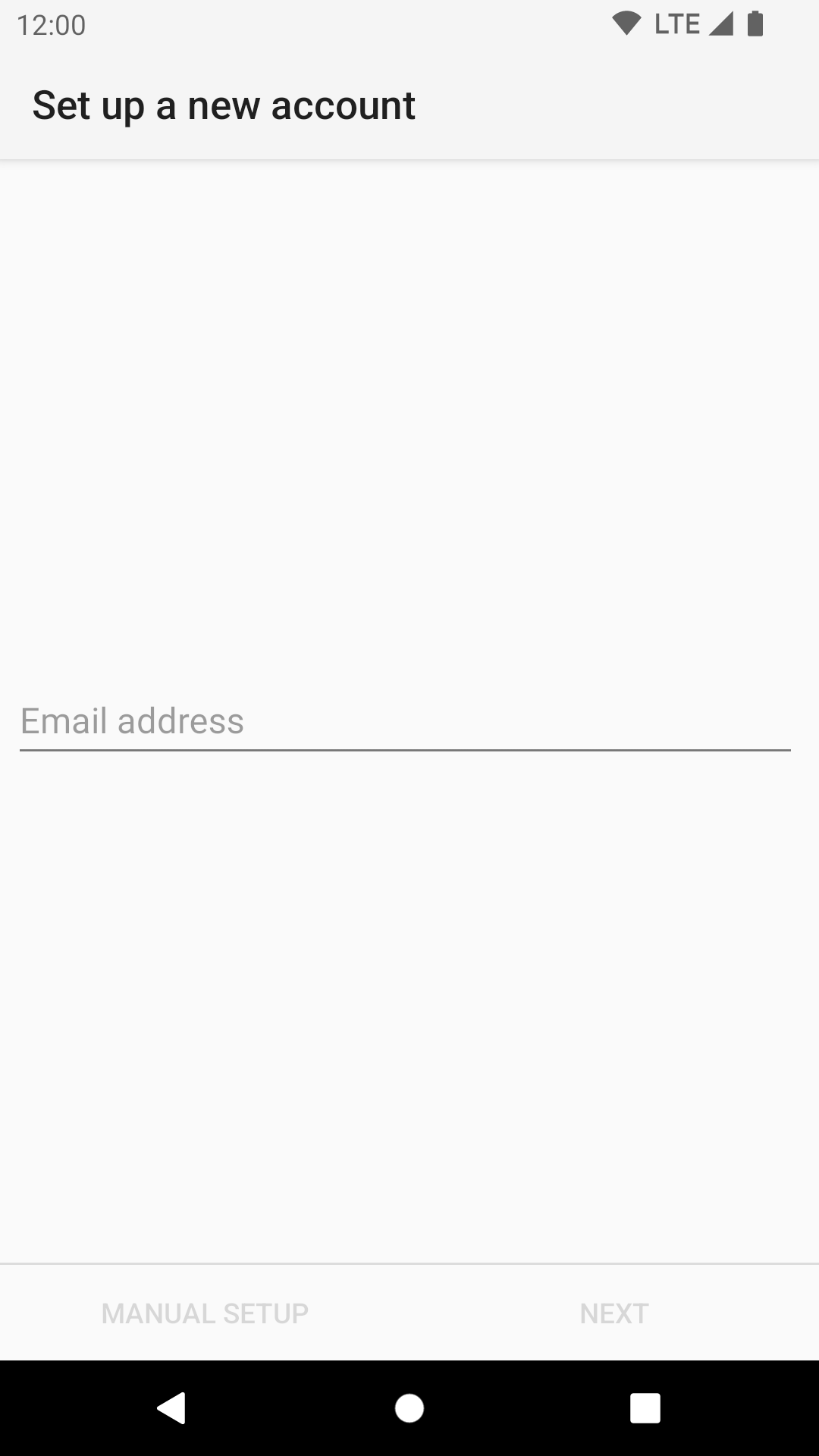
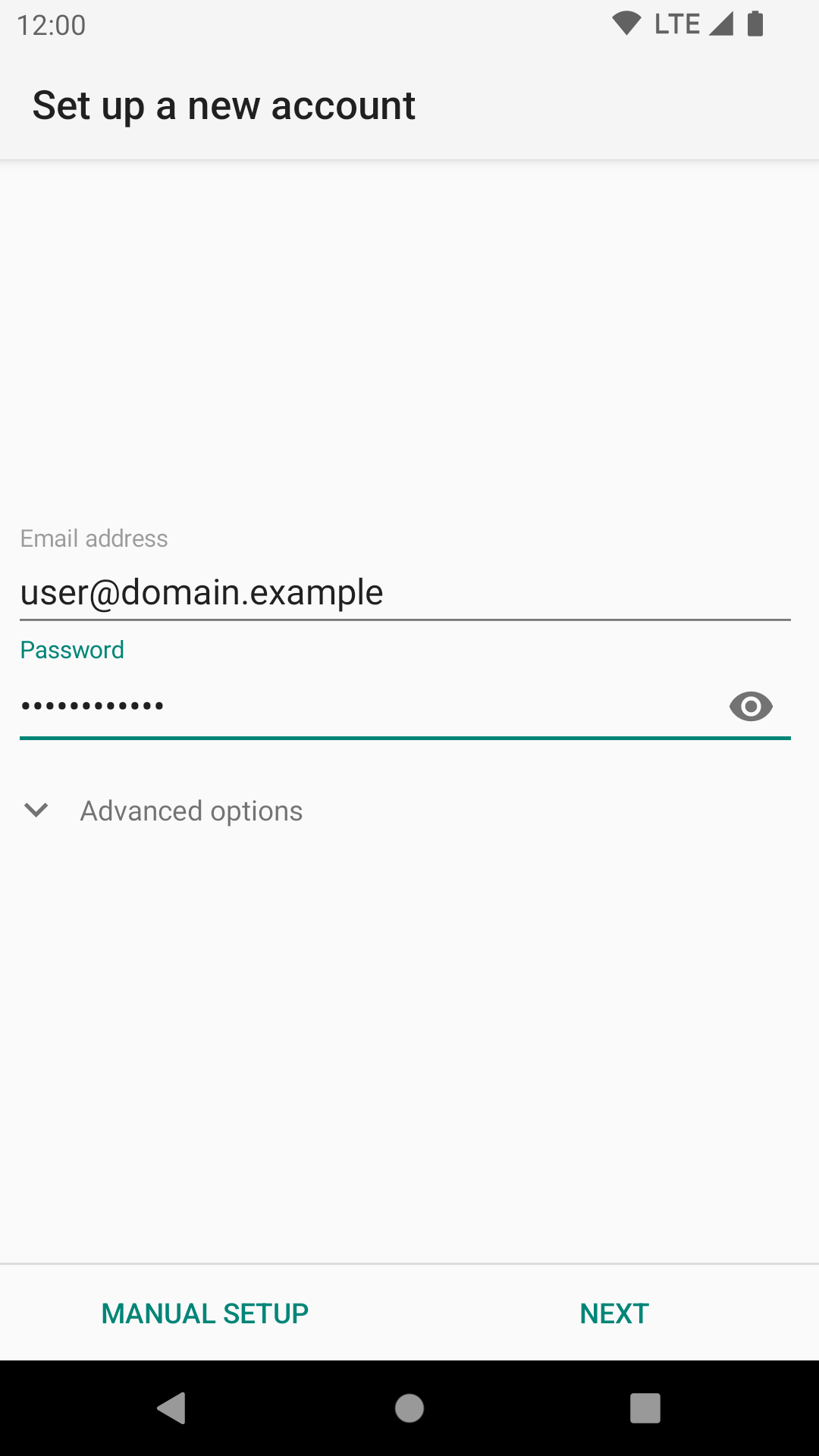
- On the Set up a new account screen, fill in your email address and tap Next, then enter your app password. When you're ready, tap Manual setup.
- Email address: Your username, including the domain.
- Password: Your password.
- On the Account type screen, tap IMAP.
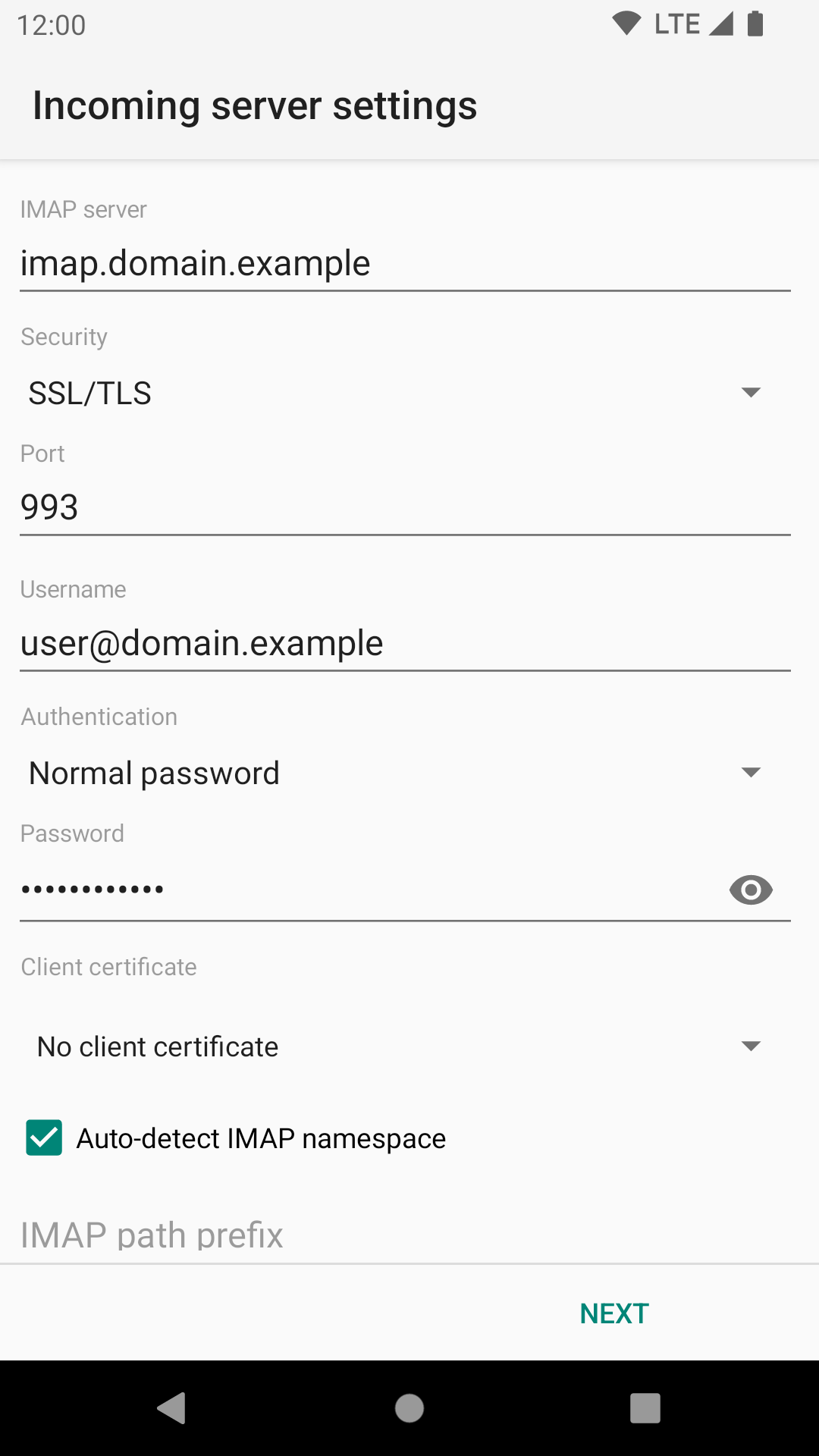
- Enter the server settings for incoming email.
- Enter the server settings for outgoing email.
- When you're ready, tap Next.
- Choose your synchronization and notification settings. Tap Next. Done.


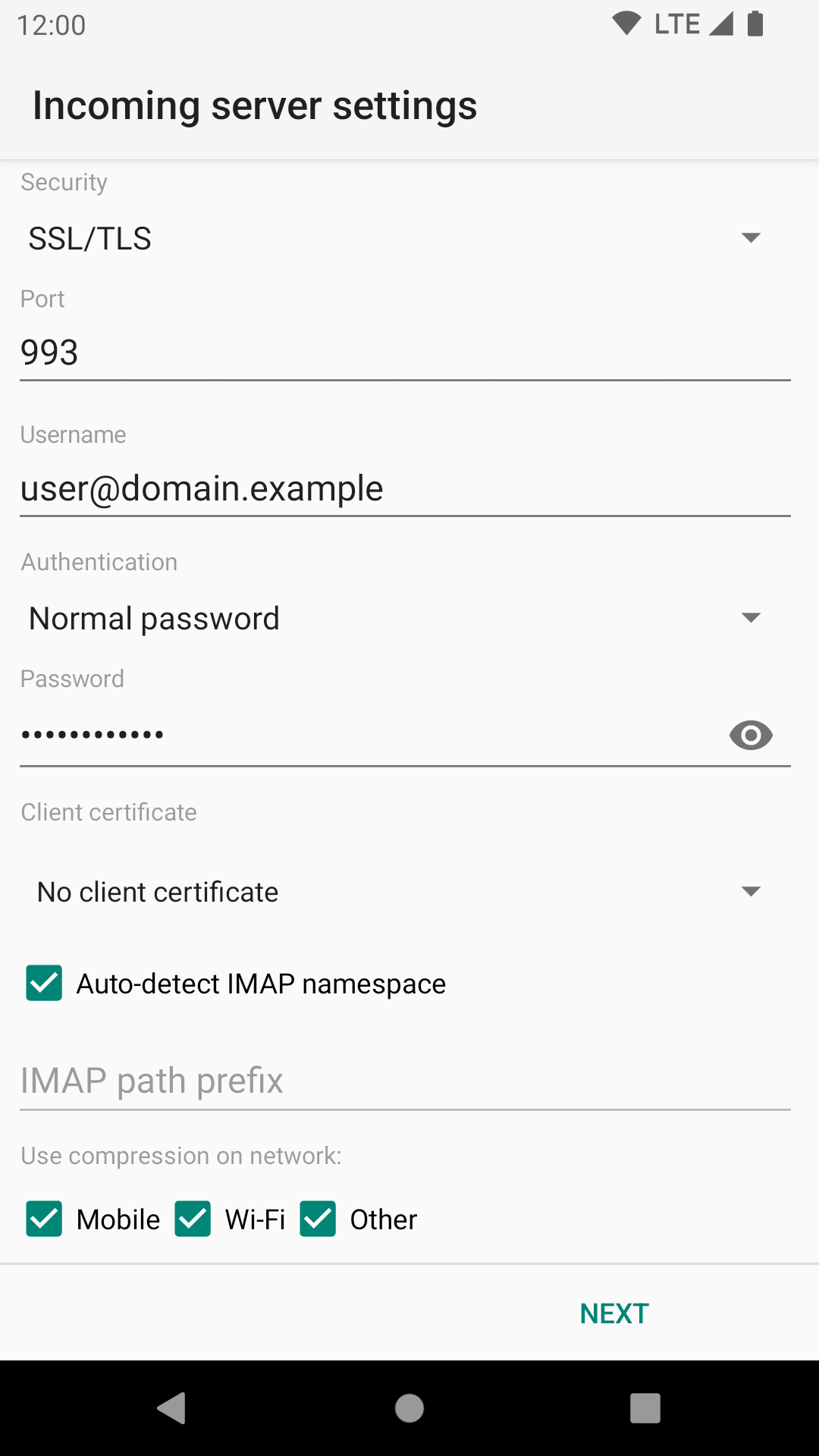
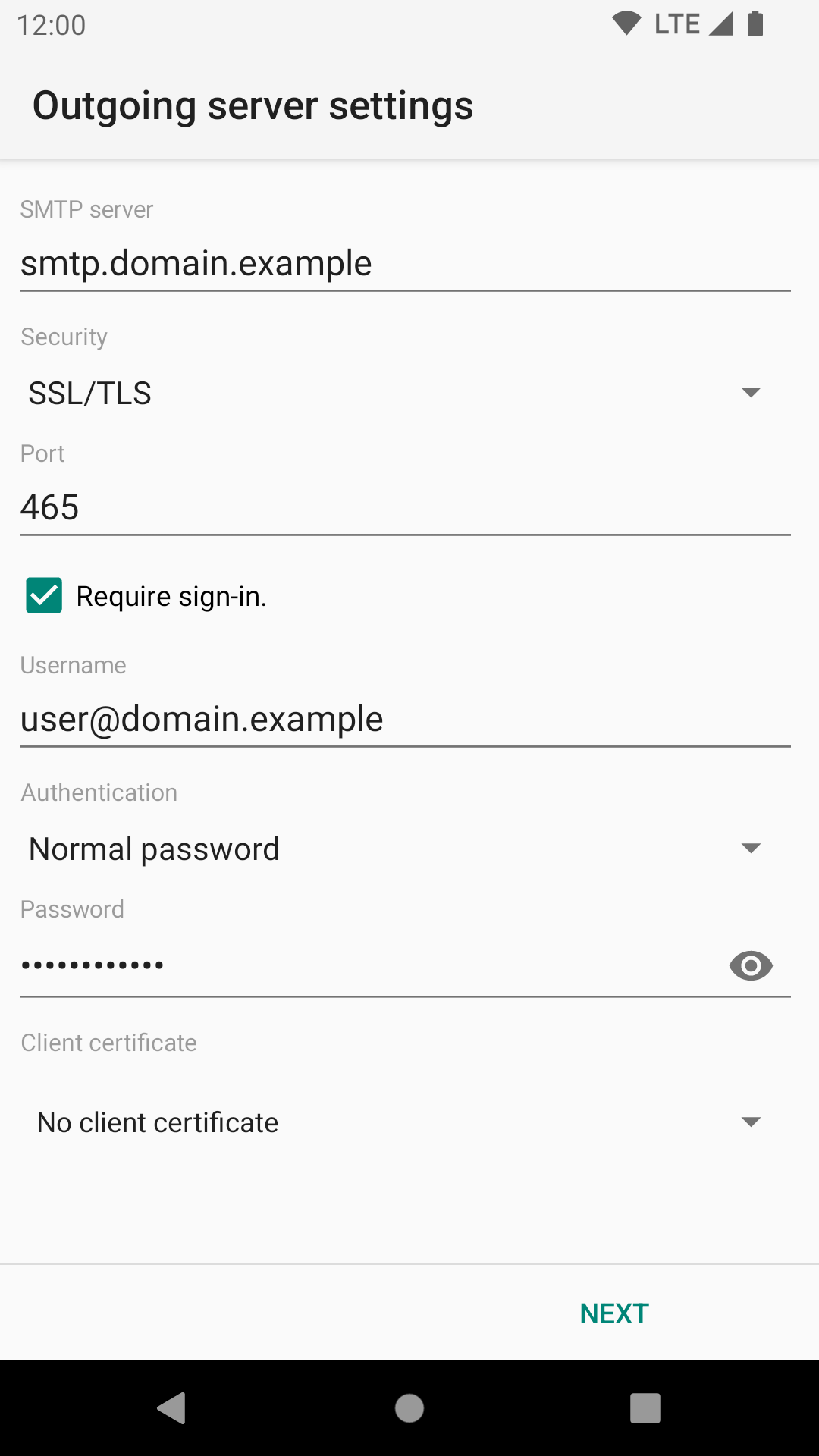
Please use the appropriate server settings.