Main Content
Uni Marburg-App
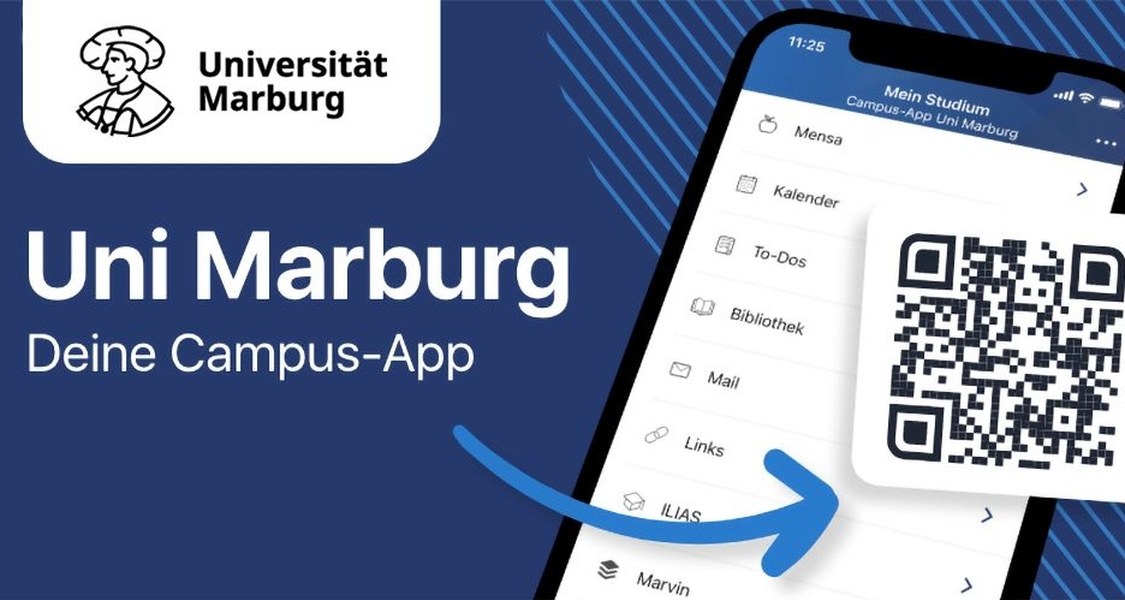
The digital version of the student ID becomes available in the Uni Marburg-App after enrollment (matriculation) or re-registration. Information about studies, simplified access to the email inbox and the loan account of the university library, the cafeteria menu, the timetable integrated from Marvin into your personal calendar, and individual links: The Uni Marburg-App brings all of this together.
The key features at a glance:
- Email (simplified and direct access to the email account, push notifications)
- Digital ID student: The digital version of the student ID becomes available in the Uni Marburg app after enrollment (matriculation) or re-registration.
- email: easy and direct access to emails, enables push
- Two-factor authentication
- Cafeteria (all menus and opening hours, selection criteria: vegan, vegetarian, meat)
- Marvin (link to the campus management system Marvin)
- Calendar (import of the timetable from Marvin)
- ILIAS (link to the teaching and learning platform ILIAS)
- Library (access to your own loan account)
- Links (relevant links for student life)
- ToDos (option to create a personal to-do list)
- Minigames
Setting up the App
The app can be downloaded under the name "Uni Marburg" for iOS from the official Apple App Store and for Android from the Google Play Store.
Target Group
Students
Requirements
Central user account (university account) for students (only necesary in order to use the Email- and Schedule-module)
Smartphone (Android or iOS)
Access to an app store
Instructions
- Email Inbox
- Digital Student ID
- Two-Factor Authentication
- Schedule Integration
- Support
Status
released 19 July 2024