Main Content
Subscibe to the News Feed
You can customize the feed that appears when you start the app according to your preferences.
The following instructions show you how:
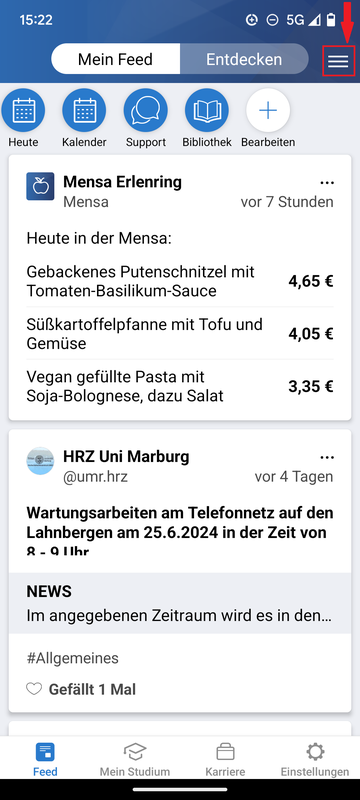
- Click the three white lines of the burger icon in the top bar (Fig. 1).
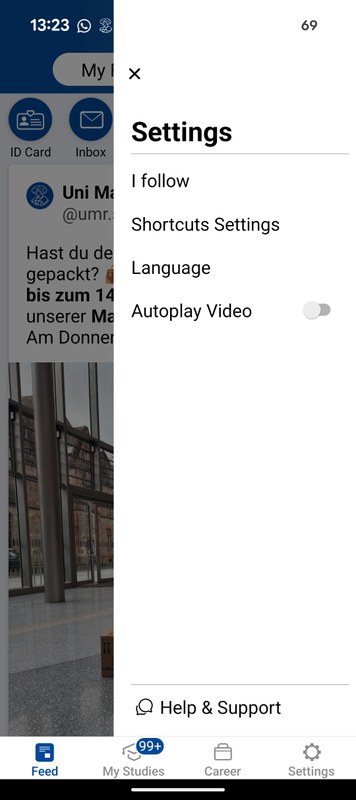
- Select “I follow” (Fig. 2).
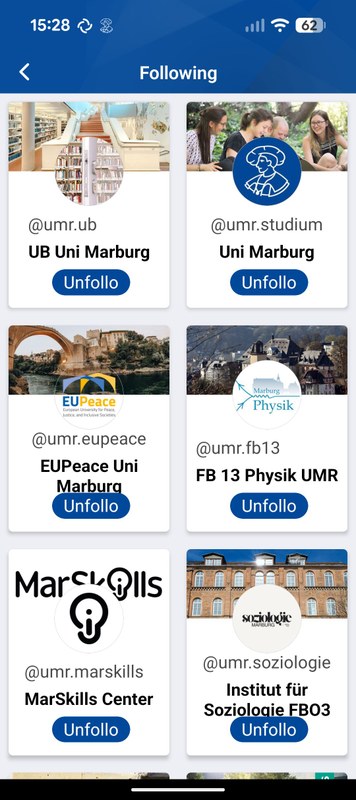
- Choose the feed channels you want to follow by clicking the “Follow” button.
When you follow a feed, it will always be shown when you open the app, ensuring you don’t miss any messages (Fig. 3).