Main Content
Schedule Integration
You can integrate the schedule from Marvin into the calendar of the Uni Marburg-App.
Follow the instructions:
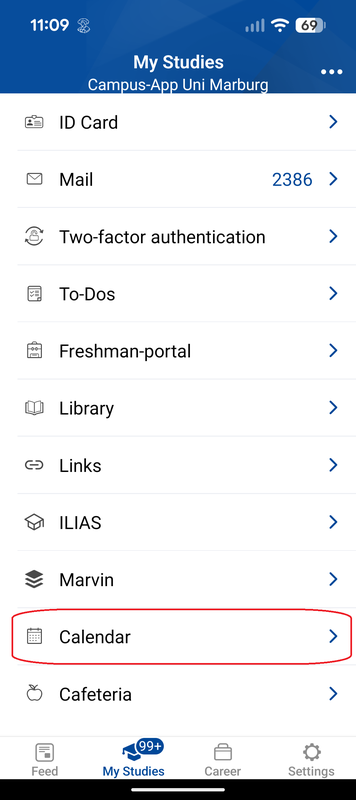
- Open the calendar under “My Studies” (Fig. 1).
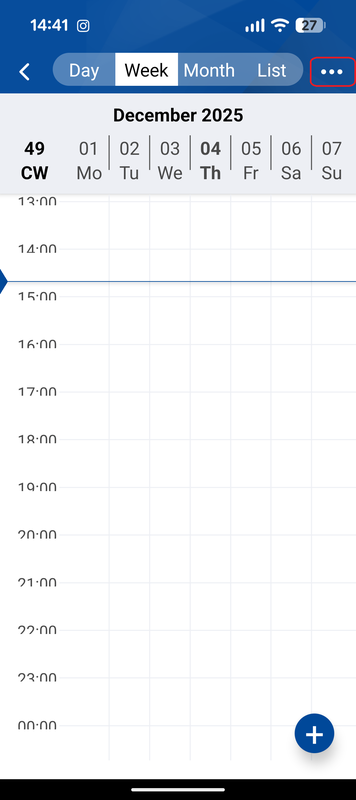
- Click on the three white dots in the top right menu (Fig.2).
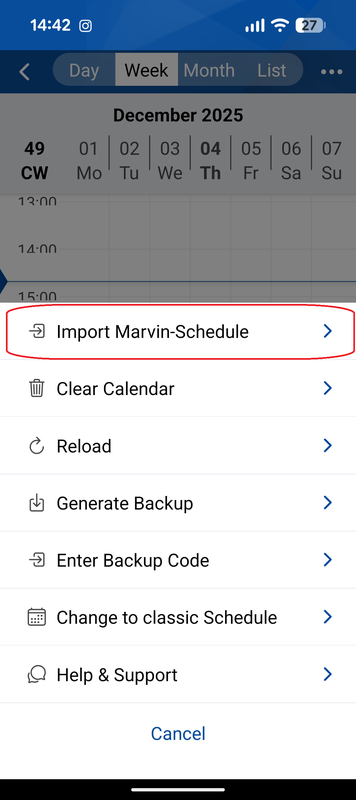
- Click on Import Marvin-Schedule (Fig.3).
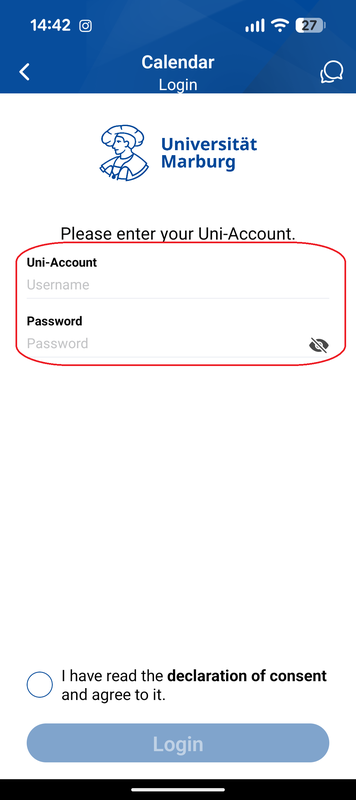
- Enter your username and your password (Fig.4).